Advisor Mode
The Advisor mode allows you to query your organization’s knowledge foundation using natural language. It retrieves answers directly from the connected knowledge base, offering clear and contextual responses.
You always have a default knowledge base selected, and you can change it at any time. Chat sessions facilitate dynamic and ongoing conversations. The Advisor leverages your existing knowledge indexes connected to Bridge. Results are always derived from approved and trusted information.
Capabilities
- Conversational, multi-turn Q&A
- Multilingual support
- Citation-backed answers
- Role and context-aware retrieval
- Chat history supported
Requirements
- Must be part of the ACME account
- Must belong to at least one of the KAIF access groups: KAIF Admin, KAIF Editor, KAIF Viewer.
Limitations
- Not all features are production-ready. Known issues include feedback text limits and occasional duplicate links.
- Some responses may depend on the completeness of the knowledge foundation.
- Responses are text-only; images, charts, and graphs are not displayed.
Settings
The Settings menu allows you to personalize your experience.
Language selection
- Open the left sidebar and select the settings (gear) icon.
- Choose your preferred language:
- English (default)
- Spanish
- French
- German
- Japanese
Bridge AI Assist responds in the selected language immediately. You can change languages at any time.
Language availability depends on account configuration.
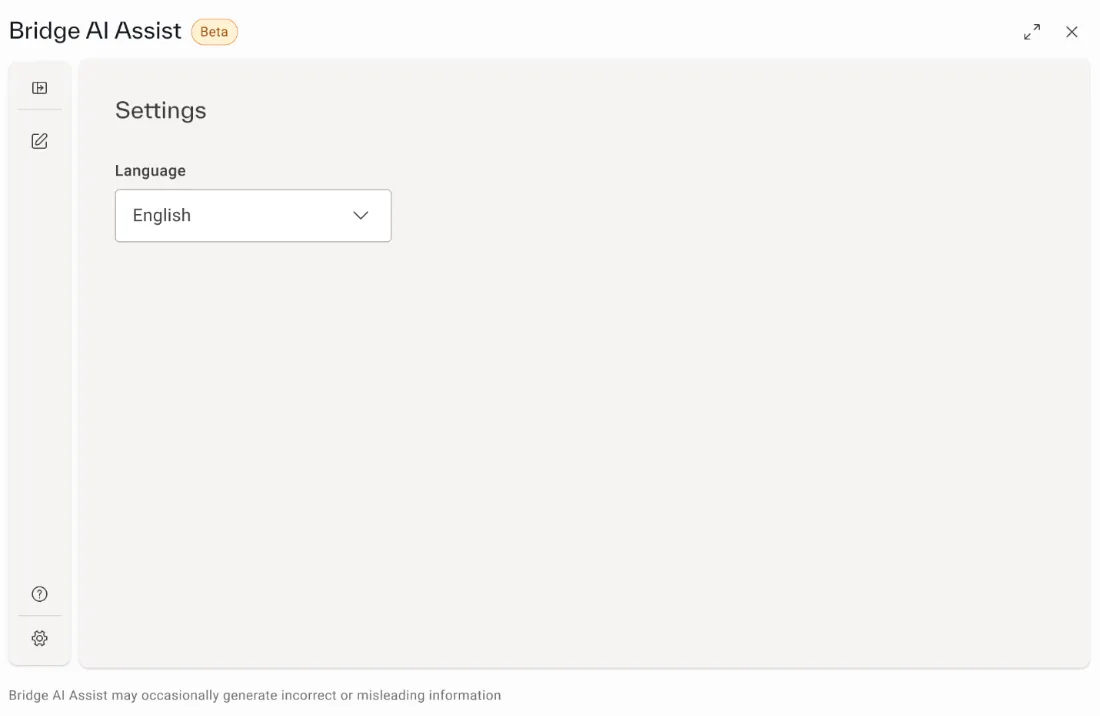
Settings - Language selection